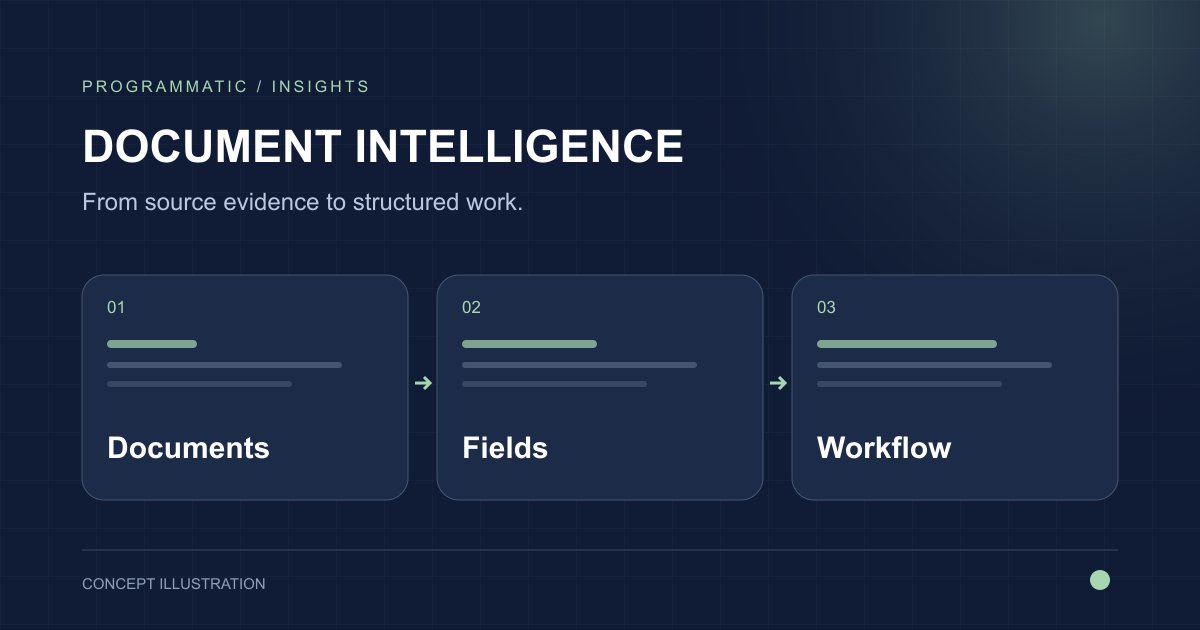
Intelligent document processing combines document understanding with workflow engineering. The useful system is not the model that reads a page; it is the process that gets documents into the system, turns them into reliable structured information, routes exceptions, and sends approved results to the systems that need them.
Define document classes and downstream actions
Different document types require different fields, validation rules, destinations, and review processes. Start by mapping those variations rather than treating every file as one extraction problem.
Build ingestion for the real channels
Email attachments, uploads, scanned files, shared folders, APIs, and batch transfers all create different operational and security requirements. Ingestion should normalize files and preserve source metadata.
Use confidence with business validation
Model confidence is useful but should not be the only review rule. Cross-check extracted information against reference data, totals, identifiers, dates, and business constraints.
Keep people in the exception path
Human review should show the source, extracted value, validation issue, and required action. Good review tooling turns ambiguous model output into a manageable queue instead of silent automation errors.
Evaluate at document and workflow level
Measure classification, field accuracy, table accuracy, exception rates, review time, downstream acceptance, and failure modes across representative documents.